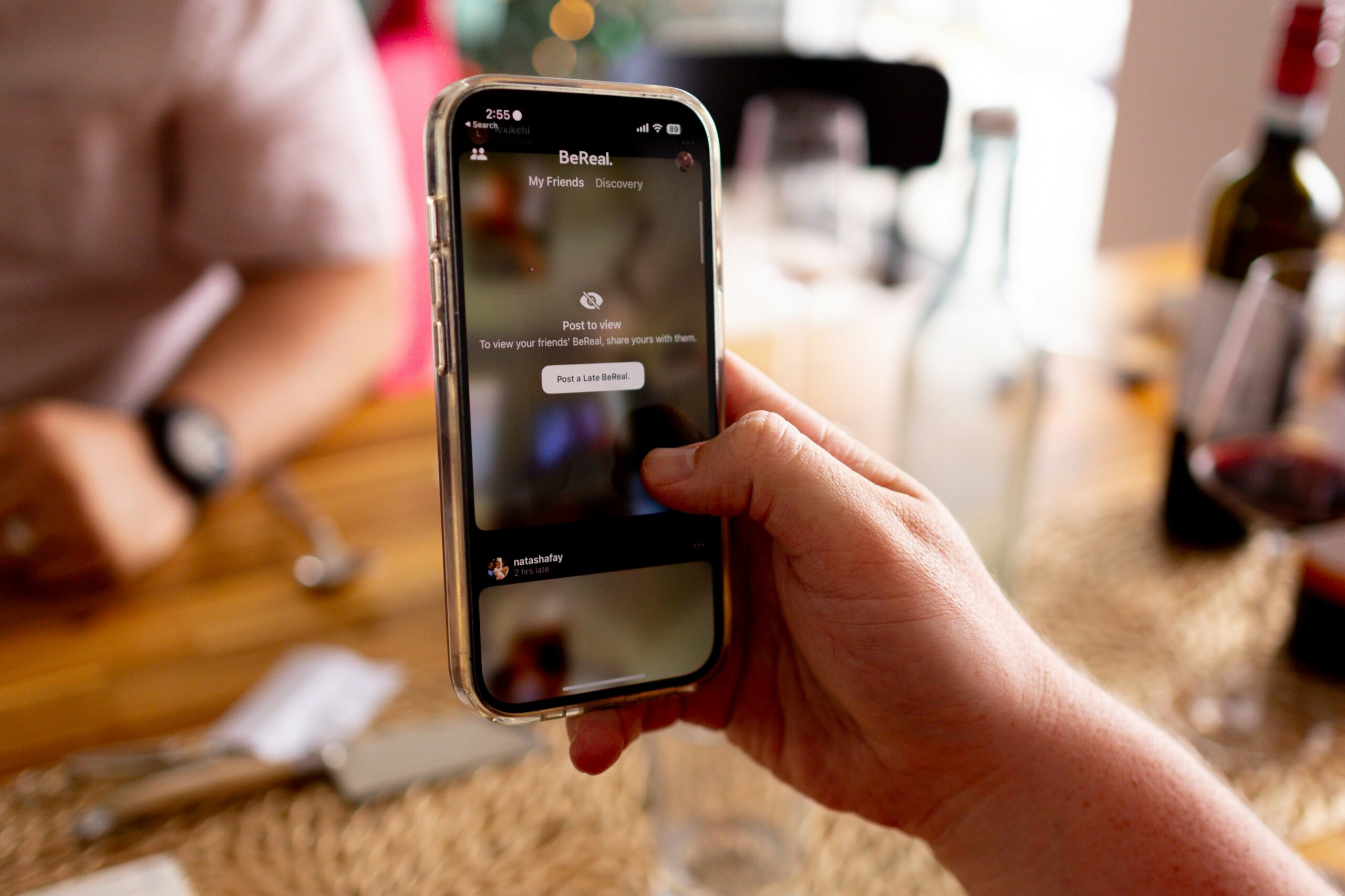

Creating a RealGroup on BeReal is a simple and convenient way to connect with your friends and have private conversations within the app. Similar to group chats on iMessage or Instagram DMs, RealGroups offer a more tailored experience on the BeReal platform. In this article, we will guide you through the process of creating a RealGroup and customizing its settings.
To begin, open the BeReal app and navigate to the home feed. Look for the RealGroups banner or locate the plus icon, usually found at the bottom of the screen. Tap on either of these options to proceed.
Once you have accessed the RealGroups section, you will see an option to “Create a group.” Tap on this to initiate the group creation process. Here, you can customize various aspects of your RealGroup, including the emoji, name, and notification settings.
Choosing an emoji to represent your RealGroup adds a personal touch and makes it easier to identify at a glance. You can select from a wide range of emojis available within the app. Pick the one that best reflects the group’s theme or purpose.
Next, give your RealGroup a name that accurately describes its purpose or the people involved. This helps distinguish it from other groups and makes it easier to find and join. Be creative and choose a name that resonates with the group’s members.
One of the unique features of RealGroups is the ability to receive Time to BeReal notifications specific to that group. These notifications are separate from the main BeReal notification of the day that all users receive. You can customize how often the group will receive these notifications based on your preferences. If you prefer not to receive Time to BeReal notifications for the group, you can turn them off.
After customizing the emoji, name, and notification settings, tap “Next” to finalize the creation of your RealGroup. Congratulations, you have successfully created a RealGroup on BeReal!
It’s important to note that RealGroups are designed for private messaging within the app. They provide a dedicated space for you and your friends to have conversations separate from the main BeReal feed. Only the members of the group can see the BeReal posts shared within the group when they receive the notification. This ensures privacy and a more intimate experience.
While RealGroups are the primary way to directly message others on BeReal, it’s worth mentioning that you can also comment on public BeReals. However, when you do so, your conversation becomes visible to everyone else using the app. So, if you prefer to have private discussions, RealGroups are the way to go.
In summary, RealGroups on BeReal offer a convenient and personalized way to connect with your friends and have private conversations within the app. By following the simple steps outlined in this article, you can create a RealGroup, customize its settings, and enjoy a more tailored messaging experience on BeReal. Start creating your RealGroup today and stay connected with your loved ones in a private and secure environment.
Want to create content At Scale MasterS Hardware Content Creation Tool